
Grocery receipt scanner for iPhone
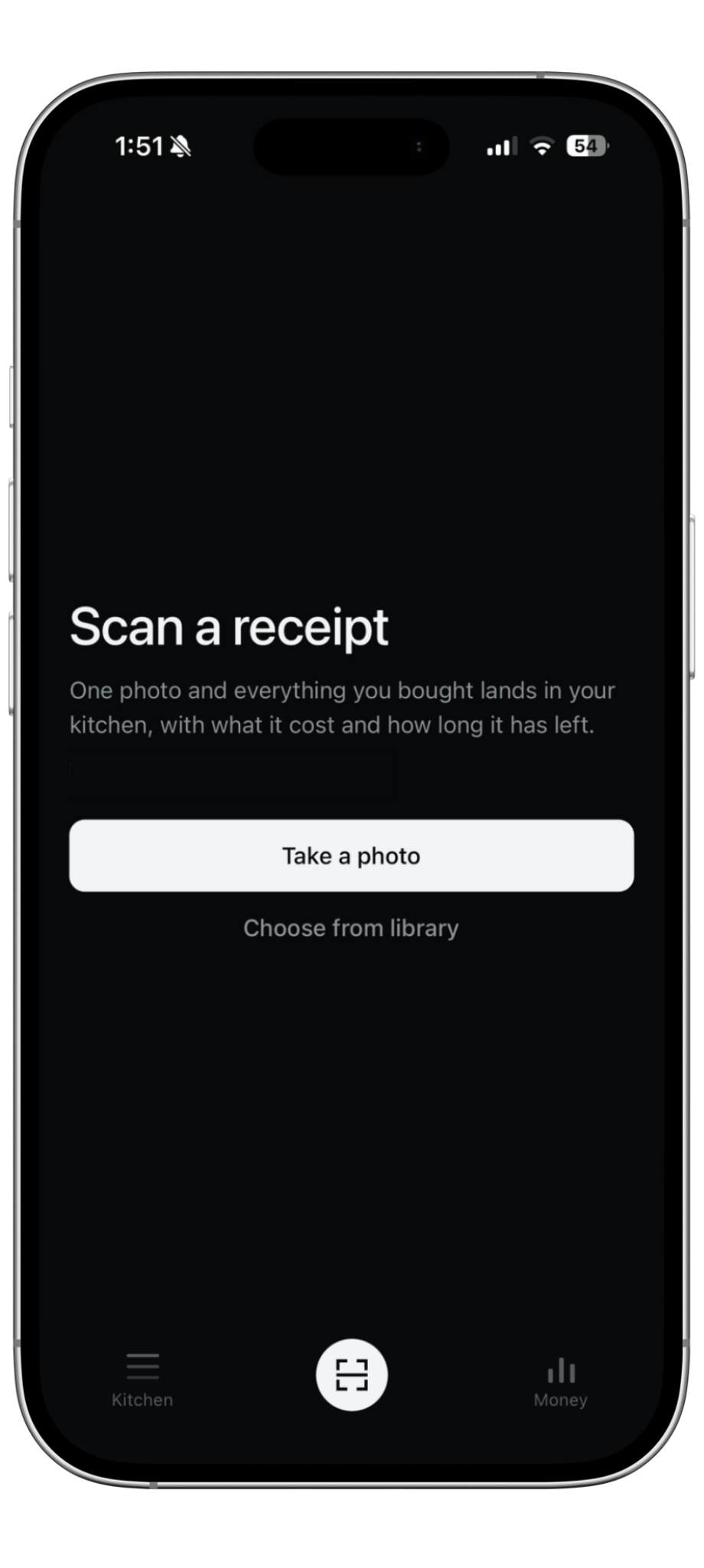
Scan grocery receipts. Skip the typing.
Ripn turns a photo of your grocery receipt into a record of what you bought, what each item cost, where your money went, and what may expire soon.
Free to start
How it works
One photo becomes usable grocery data
01
Take a photo
Use the receipt already in your hand. No spreadsheet and no manual grocery entry.
02
Ripn reads every line
Items, prices, categories, and estimated expiration dates are pulled from the receipt.
03
Your spending builds
Each scan adds to your grocery spending history and helps show what gets used versus wasted.
Receipt scanning
The receipt is the starting point
Most grocery trackers make you type what you bought. Ripn starts with the receipt, so it can keep the item and the price together. That makes it possible to track groceries and the money attached to them at the same time.
After the scan
A receipt becomes more than a receipt
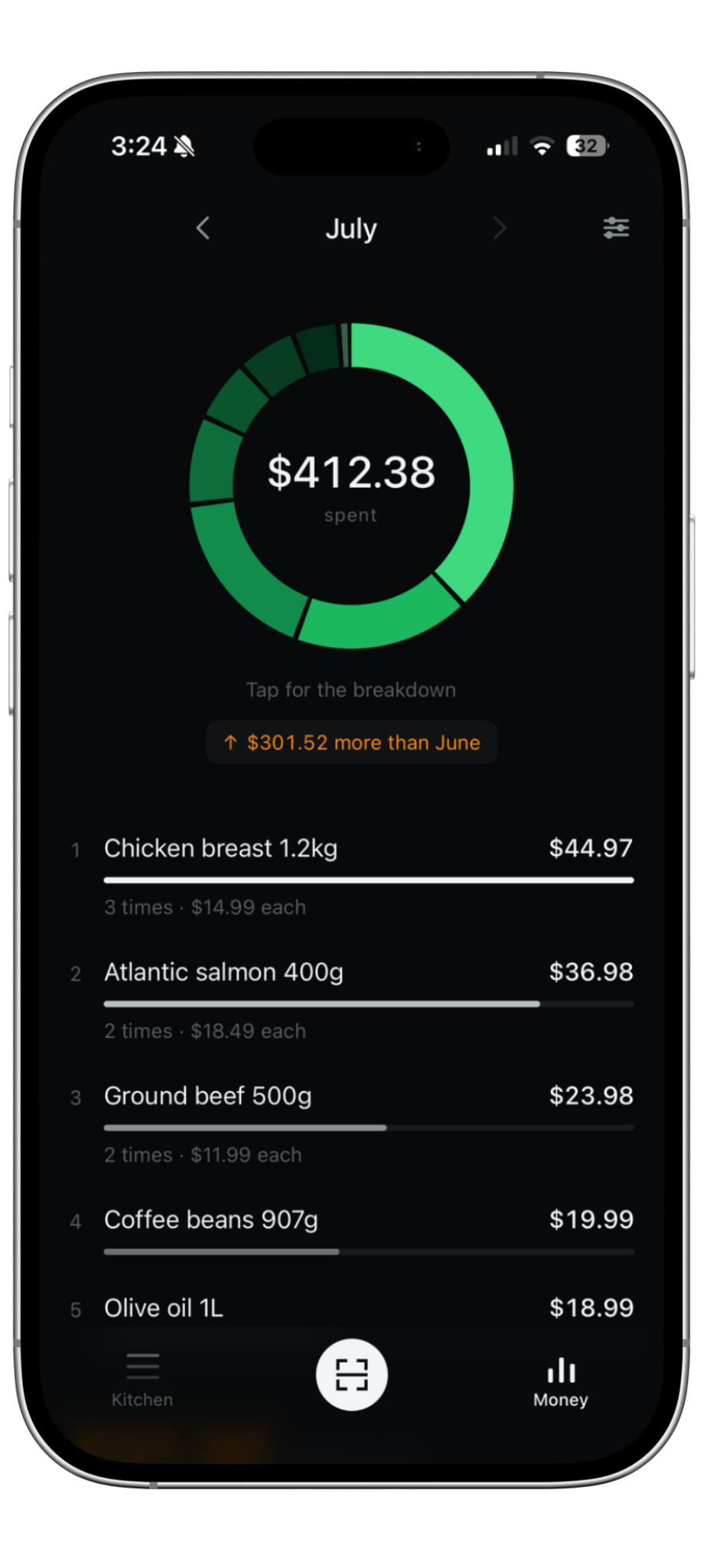
See where your money went
Ripn groups grocery spending by category so you can see what took the biggest part of your grocery bill.
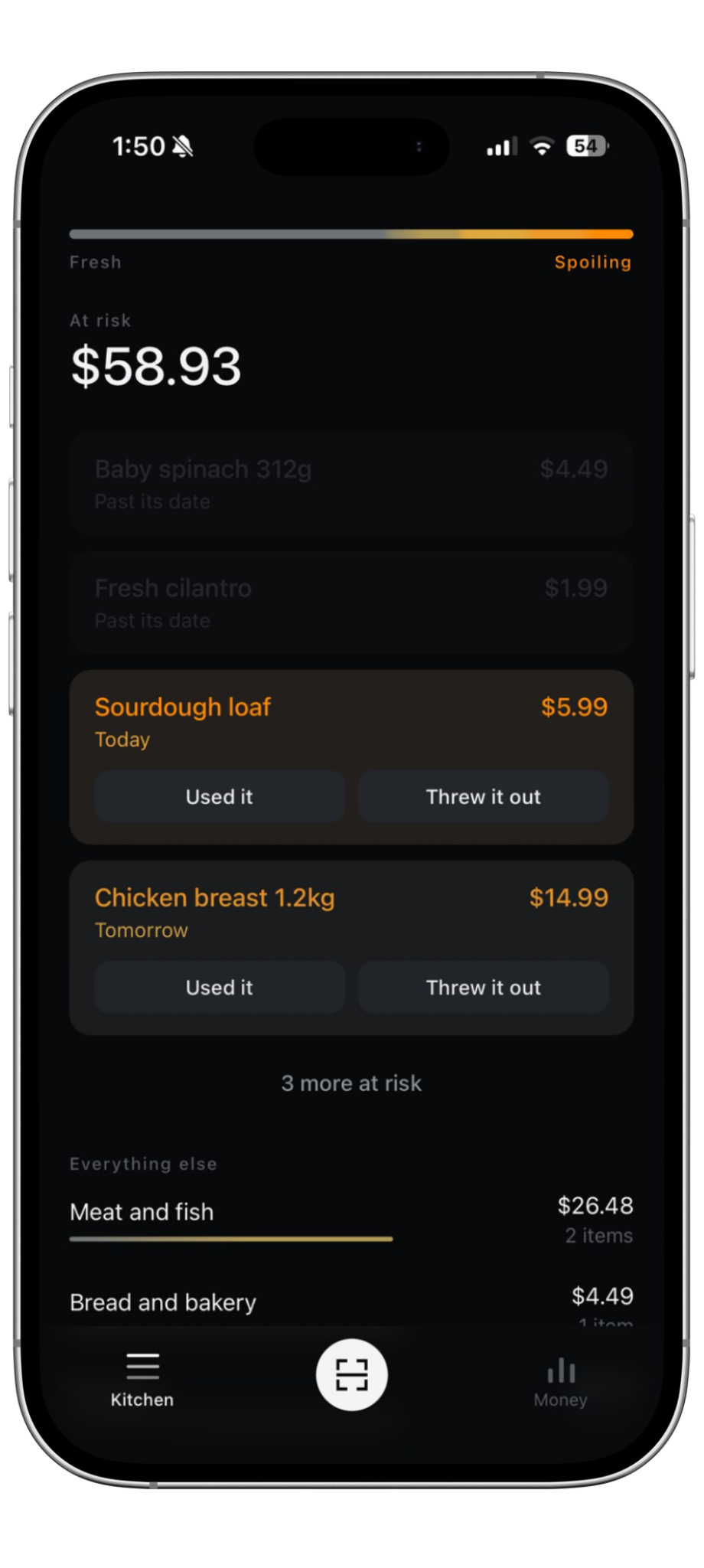
See what may expire first
Your groceries are sorted by what may need attention first, so you can decide what to use before it ends up wasted.
Example food waste total
$0.00
17% of what was spent
Mark groceries as used or thrown away and Ripn builds a dollar total of what was wasted.
Questions
Grocery receipt scanner FAQ
Turn your next grocery receipt into something useful
Start with 5 free receipt scans. Upgrade only if you want unlimited scanning.