
Grocery spending tracker
Know where your grocery money goes
Ripn tracks grocery spending from the receipts you already have. Scan a receipt and see what you spent, which categories took the most, and how your grocery spending changes over time.
Free to start
Monthly spending
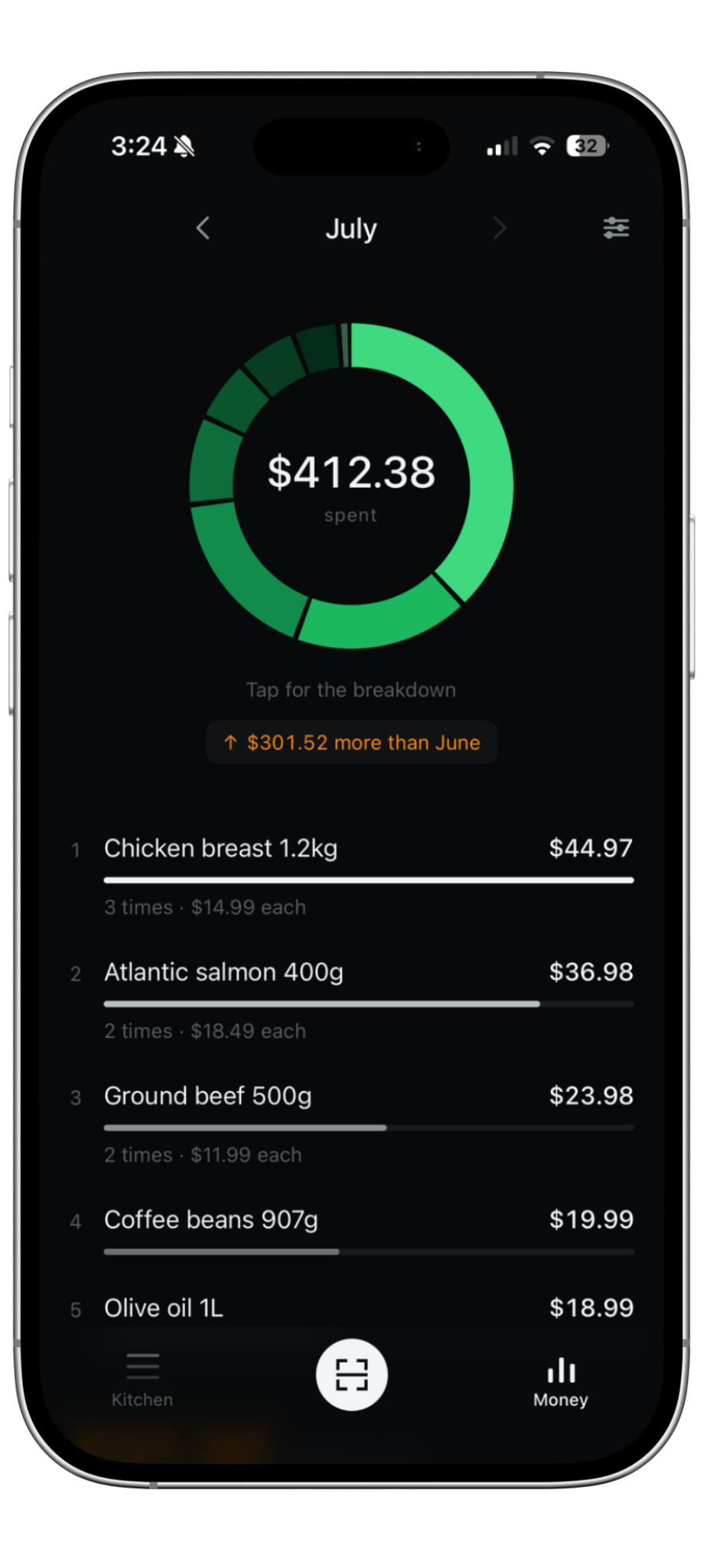
See the total, then see what made it up
Ripn adds your scanned grocery receipts together and breaks the month down by category. Instead of one grocery total, you can see how much went to meat, produce, dairy, bread, snacks, and the rest.
How it works
Track grocery spending without rebuilding every trip by hand
01
Scan the receipt
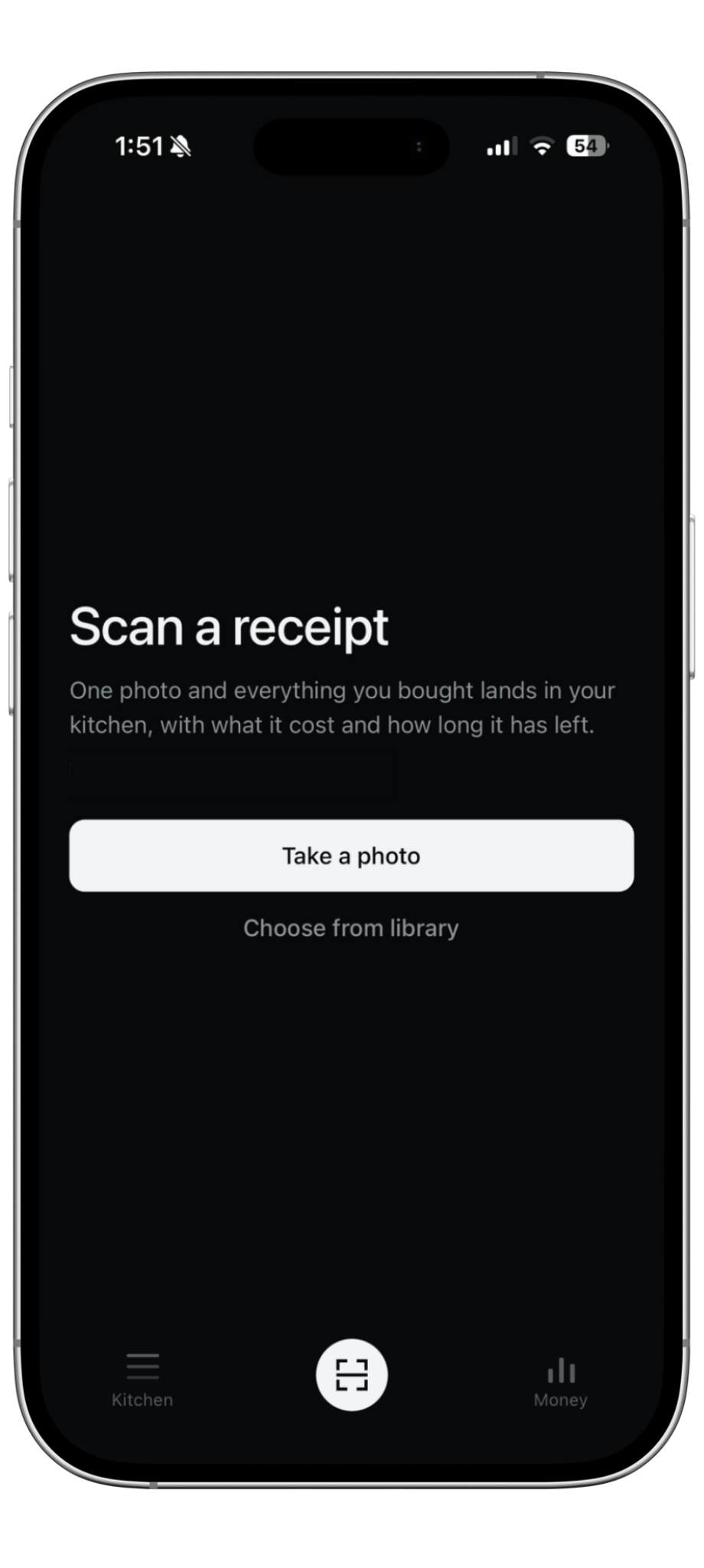
Take a photo after a grocery trip. Ripn reads the items and prices from the receipt.
02
Categories build automatically
Each purchase is added to your grocery history and grouped so you can see where the money went.
03
Compare month by month
As you scan more receipts, Ripn builds a clearer picture of your grocery spending over time.
Why receipts
The price is already on the receipt
A grocery list tells you what you bought. A receipt tells you what you bought and what you paid. Ripn keeps those two pieces together so your spending history comes from the purchase itself.
Spending is only half the picture
See what part of that money became waste
Ripn also lets you mark groceries as used or thrown away. That means your spending history can show more than what you paid: it can show the dollar value of food that was not used.
Learn about food waste tracking →Questions
Grocery spending tracker FAQ
Start tracking your grocery spending
Scan your receipts instead of entering every grocery purchase by hand.